How Session Timers Make Your Christmas Conferences Sleigh On Time
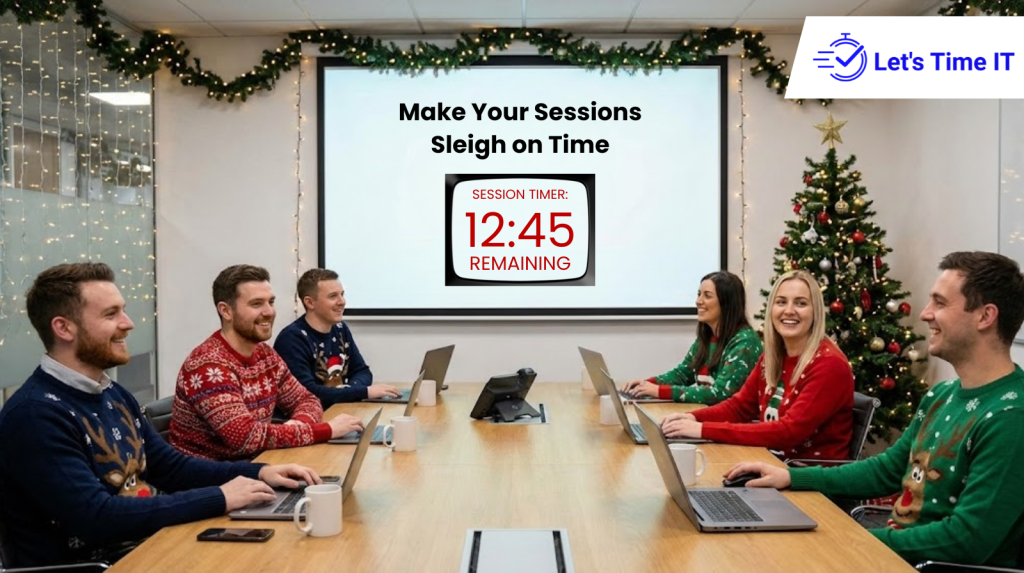
How Session Timers Make Your Christmas Conferences Sleigh On Time
It’s the most wonderful time of the year and also the busiest.
As the holiday season kicks in, conference and event teams are working overtime to deliver seamless Christmas conferences, festive webinars, and end-of-year corporate gatherings.
But there’s one little detail that often makes or breaks these beautifully planned events, time management.
Every speaker runs a bit over. Every session shift causes delays. Suddenly, your “well-timed” agenda turns into a last-minute scramble.
That’s where session timers come in the silent heroes that keep your event running smoothly and on schedule. And with tools like Let’s Time IT, you can manage all your timers effortlessly, remotely, and with festive precision.
In this blog, we’ll explore how session timers are helping organizers run smoother Christmas events, the challenges they solve, and how to use them effectively to make your next conference truly sleigh on time.
Why Timing Matters More Than Ever During Christmas Events
Let’s face it, Christmas events have a very different energy.
They’re cheerful, social, and full of back-to-back activities. You’ve got executives giving speeches, panels discussing yearly highlights, live performances, and festive surprises.
The challenge? Everyone wants their moment on stage, and before you know it, your 60 minute session turns into a 90 minute marathon.
For organizers, this creates ripple effects:
- The next speaker is rushed.
- Break times are cut short.
- Attendees lose focus or log off early.
- The event loses its professional polish.
That’s why timing tools have become essential for modern event management. A conference timer gives you complete control of your schedule ensuring every session starts and ends exactly when it should, even during the busiest festive season.
What Exactly Is a Session Timer?
A session timer (or stage timer) is a digital countdown clock that helps speakers and hosts keep track of their allotted time. It’s a simple but powerful tool used in both virtual and physical events to maintain flow and structure.
For instance, if a speaker has 20 minutes for a presentation, a countdown timer for presentation helps them see how much time they have left. When used effectively, this small piece of tech helps everyone stay synchronized and reduces stress on event coordinators.
Now, imagine controlling all these timers remotely from your laptop or control booth across multiple sessions happening simultaneously.
That’s exactly what Let’s Time IT enables.
The Real Struggles of Event Timing During Christmas Conferences
Anyone who’s organized a holiday conference knows the chaos that can happen behind the scenes.
Here’s what usually goes wrong:
- Speakers go over time because they can’t see a visible timer.
- Virtual attendees lose track due to inconsistent session lengths.
- Technical teams scramble to adjust the next presentation.
- Breaks and transitions get shortened or skipped.
All this adds unnecessary stress to an already busy event.
The Magic of Remote-Controlled Countdown Timers
Traditional physical timers work fine but what happens when your event spans multiple rooms or includes hybrid sessions?
You can’t run around with a stopwatch or shout “Time’s up!” during a keynote.
That’s where a remote-controlled countdown timer makes all the difference.
Using Let’s Time IT, your team can:
- Start, pause, or reset timers remotely.
- Display timers on any screen laptops, tablets, or stage monitors.
- Synchronize all sessions from one dashboard.
- Send subtle visual or color-based alerts when time is nearly up.
This means your technical crew can stay behind the scenes and still ensure every session sticks to schedule no interruptions, no panic, just precision.
How Let’s Time IT Brings Automation and Simplicity Together
Let’s Time IT was built to simplify event management especially for hybrid or multi-session conferences.
Here’s how it works in a nutshell:
- Create a Timer: Choose your session name, duration, and preferred display format (countdown or elapsed time).
- Assign Timers to Sessions: Each meeting or presentation can have its own timer.
- Control in Real-Time: Start or pause timers remotely from your dashboard.
- Multi-Session Support: Run multiple timers at once for parallel sessions.
- Visual Display: Share the timer screen with speakers or project it on-stage.
And because it’s all web-based, there’s no installation or setup fuss, it just works instantly from your browser.
Whether you’re running an internal company meeting, a hybrid conference, or a global webinar, Let’s Time IT ensures everything stays punctual and professional.
Countdown Timers Keep Virtual and Physical Speakers on the Same Page
In hybrid or virtual events, timing is everything.
Without a clear timer visible on the presenter’s screen, it’s easy for speakers to lose track of time especially when they can’t see the audience’s reactions.
That’s why a countdown timer for presenters is crucial. It provides a visual reminder that’s subtle yet effective.
Let’s Time IT takes this a step further with timers that can be embedded or shared through links so every speaker, whether on-site or remote, sees the same countdown.
You can even integrate these timers with tools like AddEvent or add to event workflows to make sure everyone’s schedule aligns perfectly across calendar platforms.
Setting Up a Countdown Timer for Your Event (Step-by-Step)
Here’s a quick example of how easy it is to set up a timer using Let’s Time IT:
- Sign In: Visit letstimeit.com and log into your dashboard.
- Create a New Timer: Enter the session name, such as “CEO Christmas Address” or “Panel: 2025 in Review.”
- Set Duration: Choose how long the session will last, say 15 or 30 minutes.
- Select Display Options: Decide if you want the countdown shown publicly or privately to the speaker.
- Share Timer Link: Copy the share link or QR code and send it to your speaker or stage monitor.
- Start the Timer: Control it live start, pause, or reset whenever needed.
That’s it. Within minutes, your event becomes structured, professional, and completely stress-free.
Stage Timers Keep Events Polished and Professional
When audiences attend a conference, especially one during the holiday season they expect seamless transitions, not awkward pauses or rushed endings.
A stage timer ensures that speakers stay aware of their time without needing cues or interruptions. It’s a discreet way to manage professionalism on stage while keeping the event flow natural.
During a high-energy Christmas event, this is especially helpful because it keeps performers, MCs, and speakers aligned without disrupting the festive mood.
And since Let’s Time IT can display timers on large screens, monitors, or even projectors, your event control team can keep everything on track from behind the scenes.
The Power of Data and Reporting
Beyond keeping your sessions on schedule, Let’s Time IT also provides insights that help you improve future events.
You can analyze:
- Average session lengths
- Overruns or early finishes
- Time usage by each speaker
This data helps you understand where your event pacing needs adjustment ensuring even smoother performance next time.
By reviewing how long each segment actually takes, you can fine-tune your agendas, giving your audience a more consistent and enjoyable experience.
Real-World Example: A Christmas Summit That Sleighed the Clock
Let’s imagine this scenario:
The Event: A multinational company hosting a hybrid “Year-End Christmas Conference.”
The Problem: Last year, sessions constantly ran over time, causing frustration and missed networking slots.
The Solution: This year, they used Let’s Time IT to assign a countdown timer for every session and break.
Each speaker had a countdown timer for presentation visible on their device, and the control team managed all timers remotely.
The result?
- Sessions ended exactly on time.
- Transitions were smooth.
- Attendee satisfaction scores jumped by 40%.
- The team finished the day without stress and even had time for a closing toast!
Why Let’s Time IT Is the Best Tool for Christmas Conferences
There are plenty of generic timers out there but Let’s Time IT was designed specifically for event organizers.
Here’s why it stands out:
- Web-based: No installation needed
- Real-time remote control
- Multi-session support
- Discreet presenter mode
- Shareable links and QR codes
- Integrations with event tools
- Reliable countdowns even across time zones
And since the interface is incredibly simple, your entire team from marketing to operations can use it without any training.
Whether you’re managing a 10-minute keynote or a full-day hybrid conference, Let’s Time IT keeps you on track effortlessly.
Wrapping It Up Stay Festive, Stay On Time
Christmas conferences are about more than just celebrations, they’re about closing the year with impact and connection.
But no matter how great your content or speakers are, running late can overshadow everything else.
That’s why time management is the secret ingredient behind every smooth, successful event.
With Let’s Time IT, you can take control of your schedules with confidence. From conference timers to countdown timer for stage displays, it ensures every session flows seamlessly on time, every time.
So this festive season, while everyone else is worrying about last-minute delays, you’ll be ahead of the clock running a flawless event that truly sleighs.
Ready to run your Christmas conferences on time?
Visit Let’s Time IT to create your first free session timer today and give your team the gift of stress-free scheduling.