Countdown Timers vs Manual Timekeeping: Which Is Better for Events?
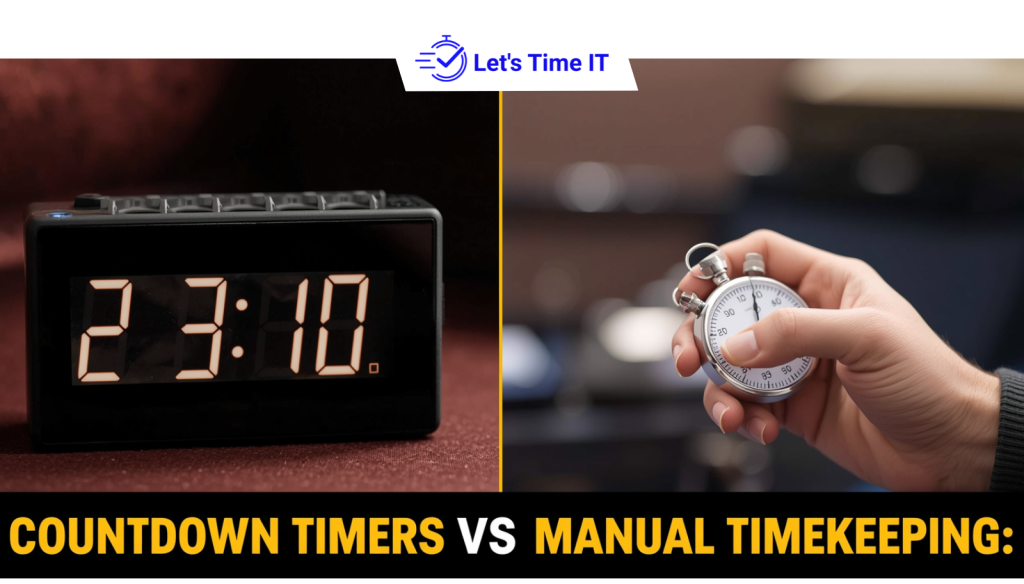
Countdown Timers vs Manual Timekeeping: Which Is Better for Events?
No matter how well your event is planned, one thing can quickly ruin the experience is timekeeping.
Traditionally, many teams rely on manual methods to manage time. But with the rise of digital tools, using a countdown timer for sessions or a webinar timer has become a smarter and more reliable approach. Whether it’s a live event or a virtual setup, having a structured conference timer ensures everything runs smoothly.
In this blog, we’ll compare manual timekeeping vs countdown timers and help you decide which approach works best for your events.
What is Manual Timekeeping in Events?
Manual timekeeping is the traditional way of managing event timing.
It usually involves:
- A moderator or event manager tracking time
- Giving verbal cues to speakers
- Using hand signals or chat messages
- Watching a clock or stopwatch
This approach works fine for small meetings or informal sessions where strict timing is not required.
Where Manual Timekeeping Falls Short
While it seems simple, manual timekeeping has several limitations:
- Human error – It’s easy to lose track of time
- Inconsistent communication – Speakers may miss cues
- No standardization – Every session runs differently
- Difficult for large events – Hard to manage multiple sessions
In short, manual methods depend heavily on people and that’s where things start to break down.
What is a Countdown Timer for Events?
A countdown timer is a digital tool that tracks and displays the remaining time for a session.
It is widely used in:
- Webinars
- Conferences
- Panel discussions
- Speaker presentations
You can set a fixed duration, and the timer counts down automatically. A countdown timer for webinar or a countdown timer for presentation helps speakers stay within their time without needing interruptions.
How It Works
- Set session duration
- Display timer to speaker (and sometimes audience)
- Control it remotely if needed
Many modern tools offer a remote-controlled countdown timer, allowing organizers to manage timing without disrupting the flow of the event.
Countdown Timers vs Manual Timekeeping: Key Differences
Let’s break it down in a simple way.
1. Accuracy & Control
Manual timekeeping depends on human attention. Even a small distraction can cause delays.
Countdown timers, on the other hand, are precise and automated. Once set, they run without errors.
2. Speaker Experience
With manual timing:
- Speakers rely on signals
- They may lose focus when interrupted
With timers:
- Speakers can see exactly how much time is left
- They can manage their pace better
This makes tools like a timer for presenters or timer for speakers much more effective.
3. Audience Experience
Timing issues are very noticeable to audiences.
Manual timing often leads to:
- Delays
- Overruns
- Poor transitions
Countdown timers create:
- Smooth flow
- Predictable sessions
- Better engagement
4. Scalability
Manual timekeeping works for small events but struggles with scale.
If you’re managing:
- Multiple tracks
- Back-to-back sessions
- Hybrid setups
It becomes chaotic.
Countdown timers can easily handle:
- Parallel sessions
- Structured agendas
- Large-scale events
5. Stress on Event Teams
Manual coordination requires constant attention and communication.
Countdown timers reduce:
- Backstage pressure
- Need for constant reminders
- Risk of miscommunication
This allows event teams to focus on the bigger picture instead of just tracking time.
Benefits of Using Countdown Timers for Modern Events
Switching to countdown timers offers clear advantages.
1. Better Session Control
You always know how much time is left.
2. Improved Speaker Discipline
Speakers manage their own time more effectively.
3. Consistent Event Flow
No unexpected delays or overruns.
4. Real-Time Visibility
Everyone stays aligned with organizers, speakers, and attendees.
5. Works Across Event Types
From webinars to conferences, timers adapt easily.
Using tools like a countdown timer for speakers or countdown timer for presenters ensures every session runs as planned.
How to Set Up a Countdown Timer for Your Event
Setting up a timer is simple if you follow the right steps.
Step 1: Define Session Durations
Decide how long each session should be.
Step 2: Choose the Right Tool
Use a platform that offers a remote-controlled countdown timer.
Step 3: Configure Timers
Set timers for each session or track.
Step 4: Share with Speakers
Make sure speakers can see the timer during their session.
Step 5: Manage Live Adjustments
Adjust timing if needed without disrupting the event.
Using a stage timer or countdown timer for sessions makes this process smooth and efficient.
Make Timing Your Strength, Not Your Weakness
Timing is not just a small detail, it’s a core part of your event experience.
Manual timekeeping may work in simple cases, but it struggles with scale, accuracy, and consistency.
If you want to run events that feel smooth, professional, and well-organized, it’s time to move beyond manual methods.
With tools like Let’s Time IT, you can take full control of your event timing and focus on what truly matters delivering a great experience.